
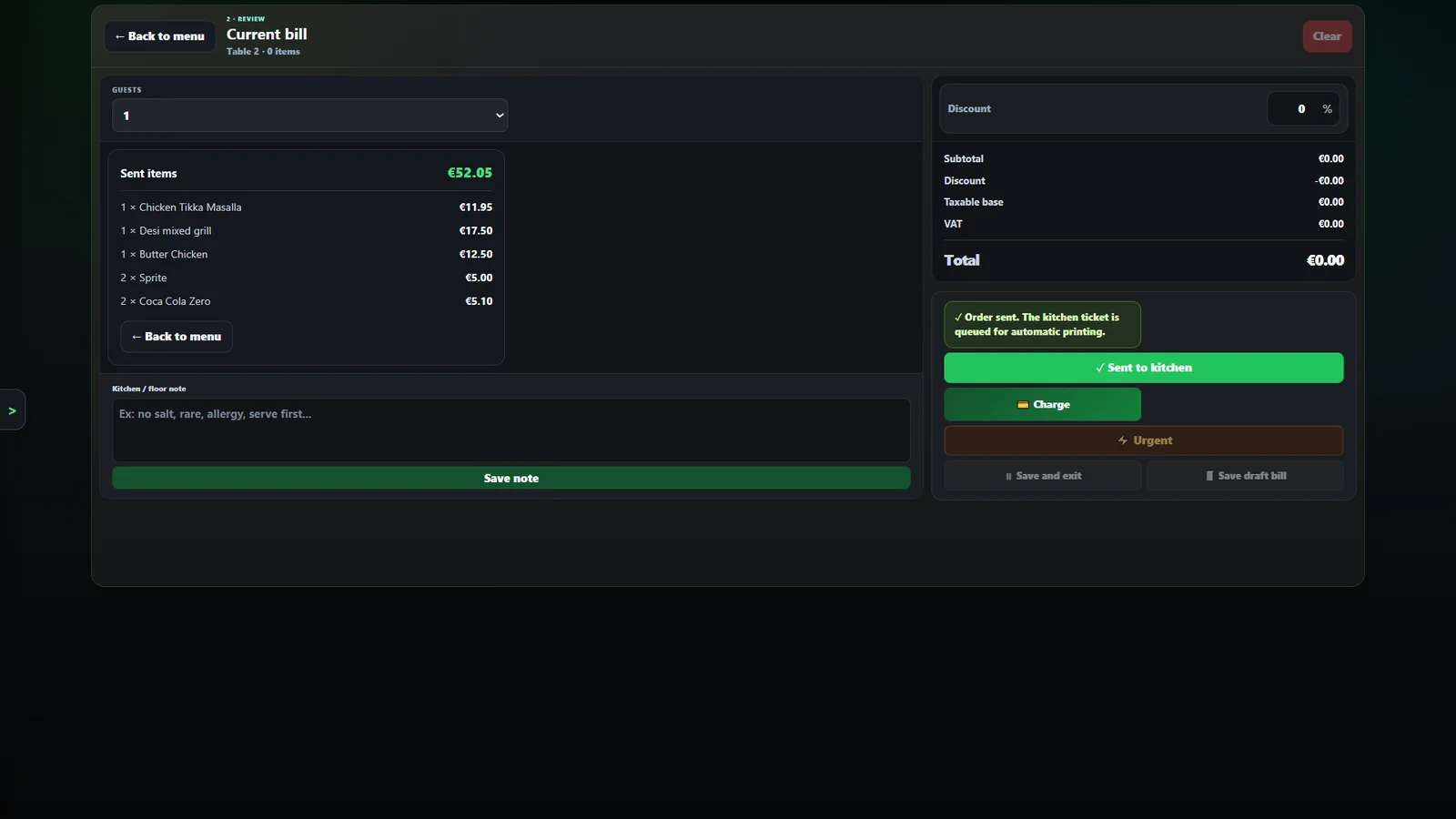
 Real MZPoS screen (captured in English)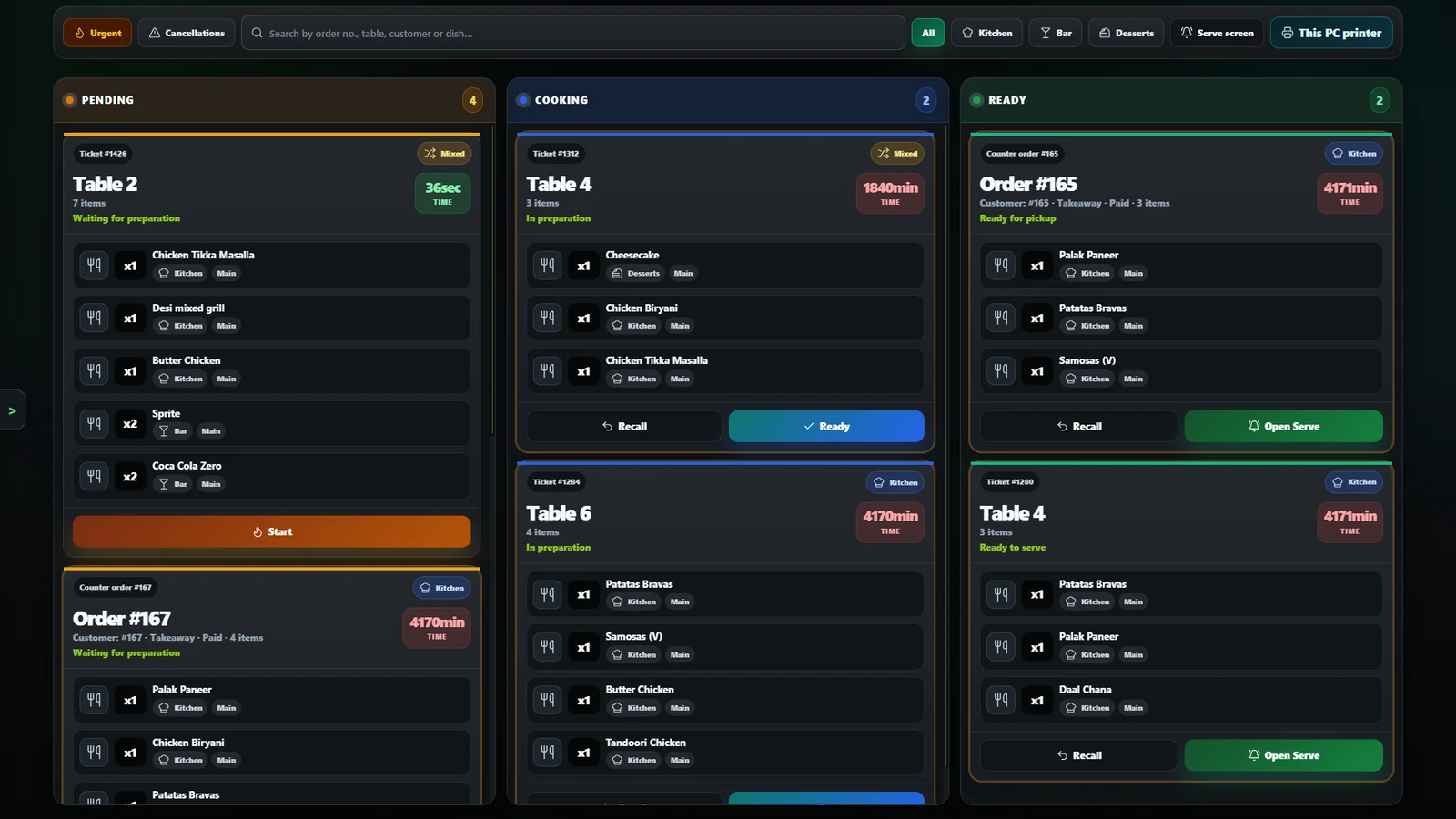
 Real MZPoS screen (captured in English)
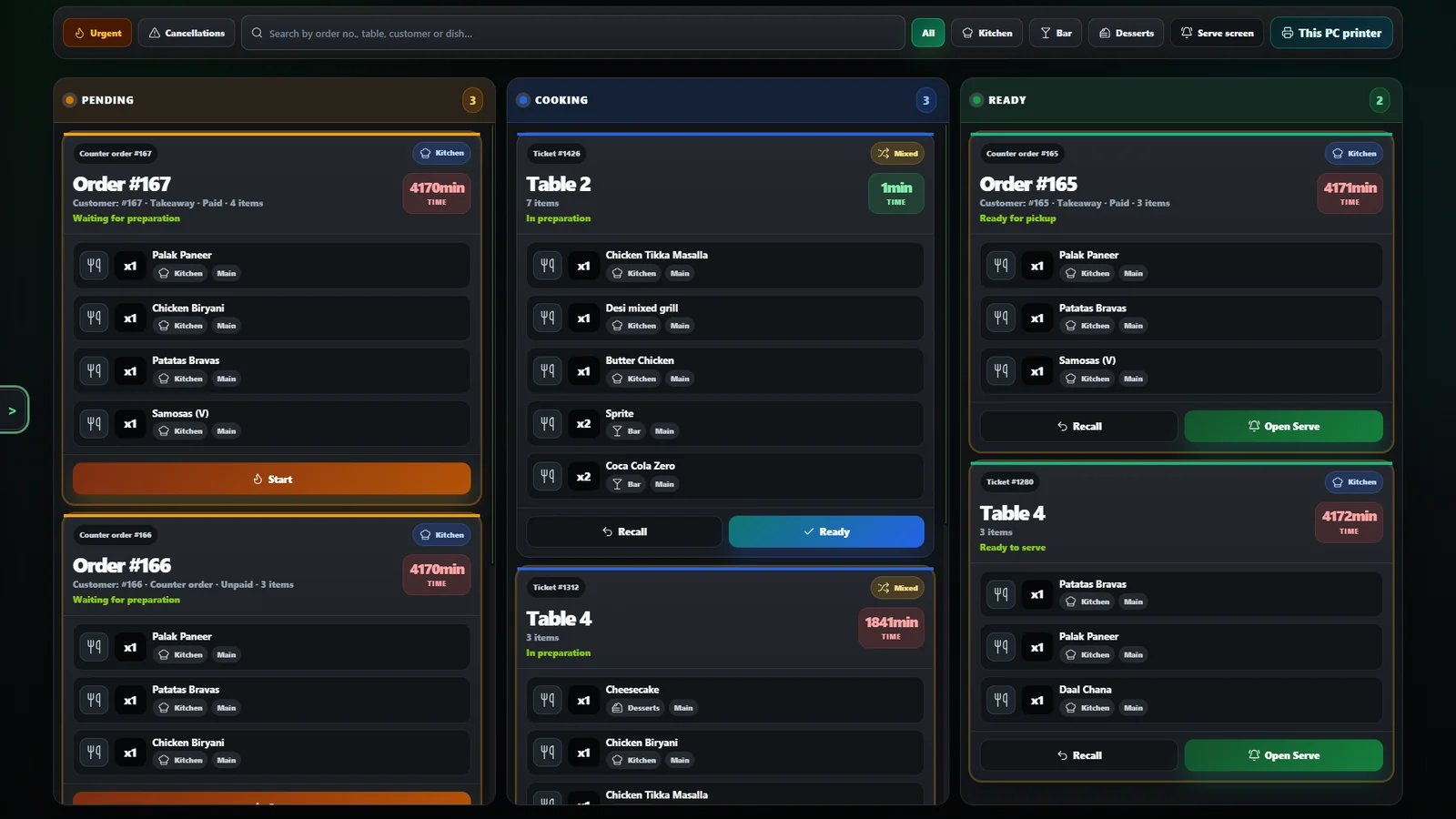
 Real MZPoS screen (captured in English)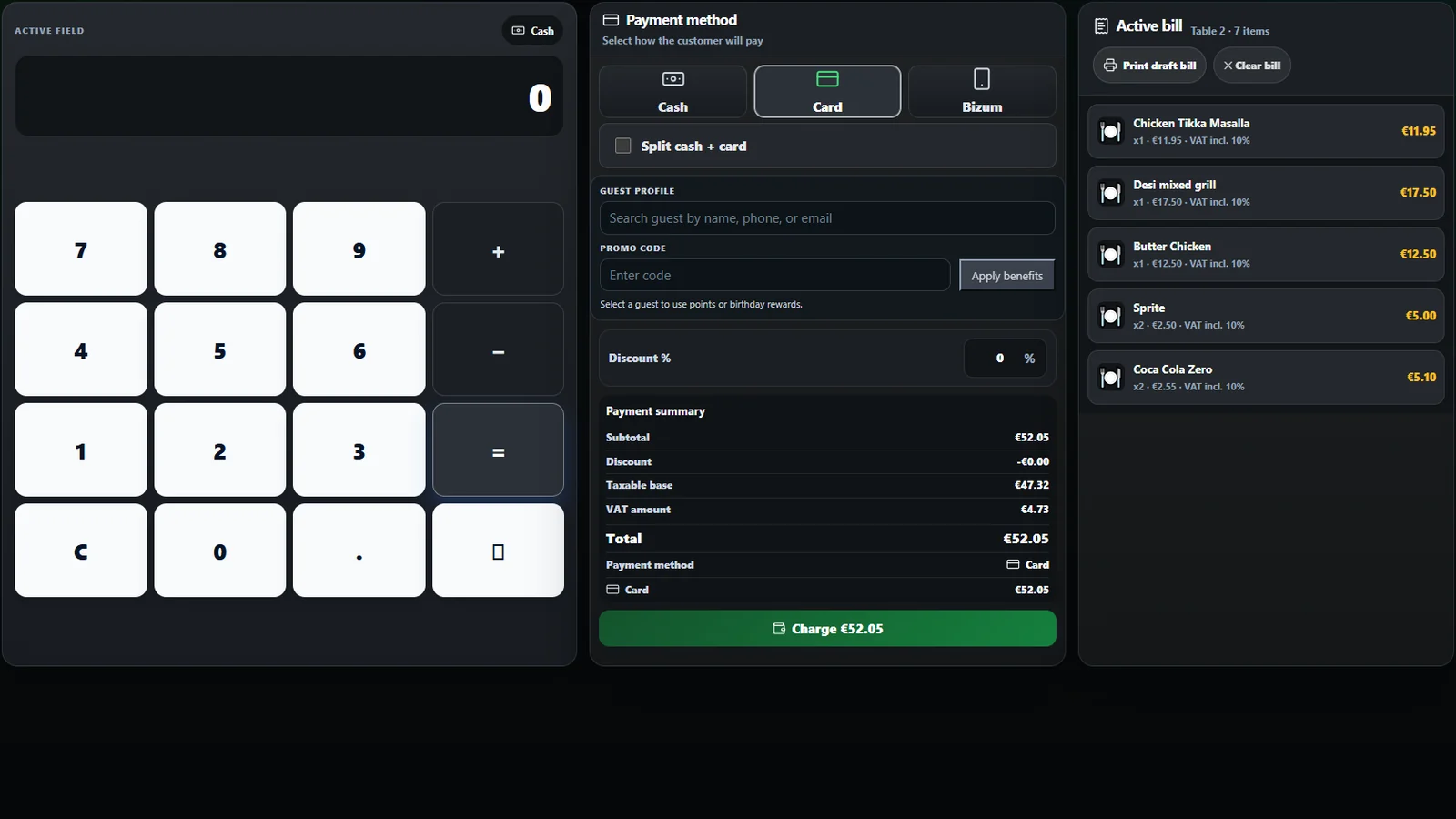
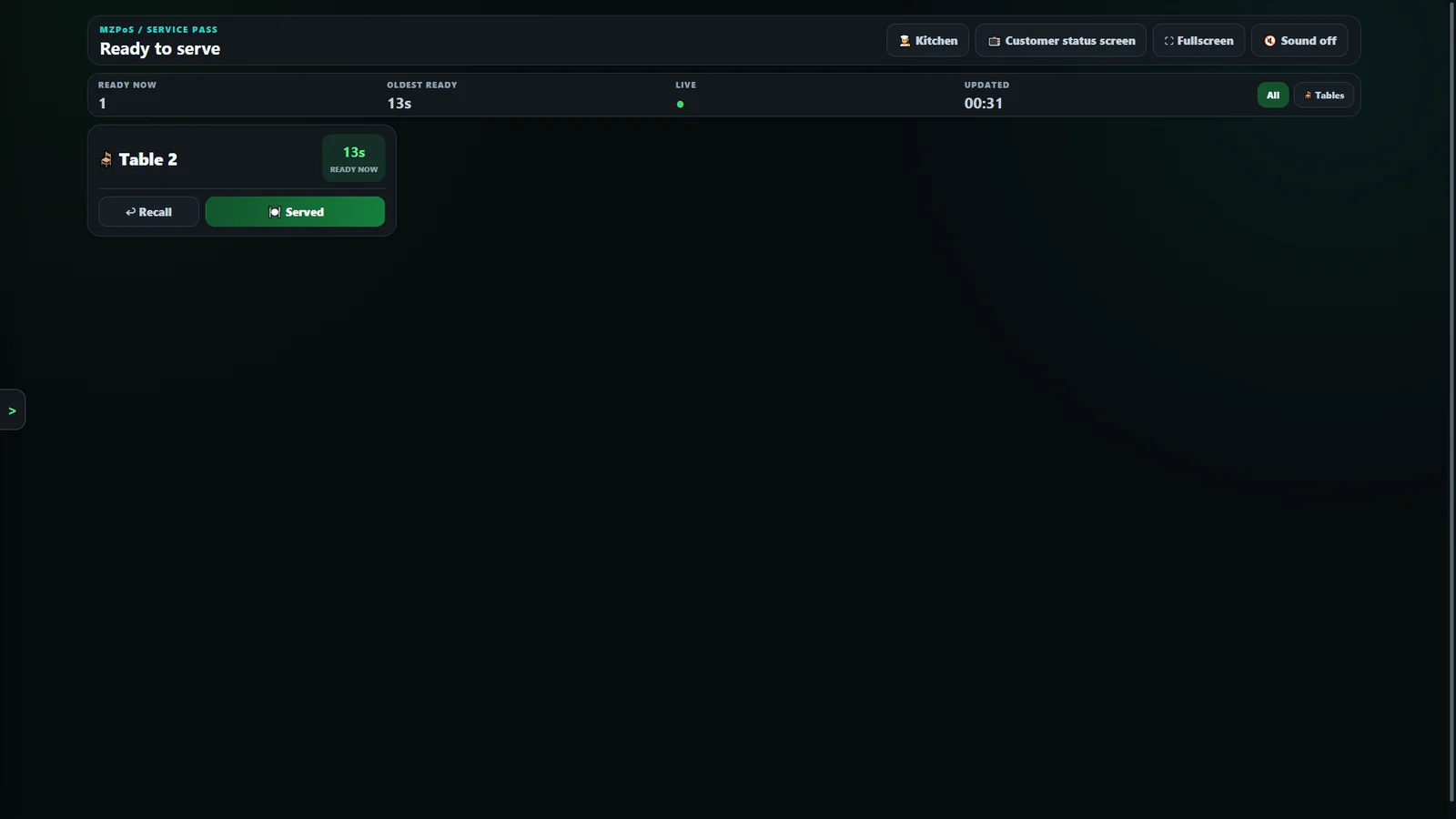
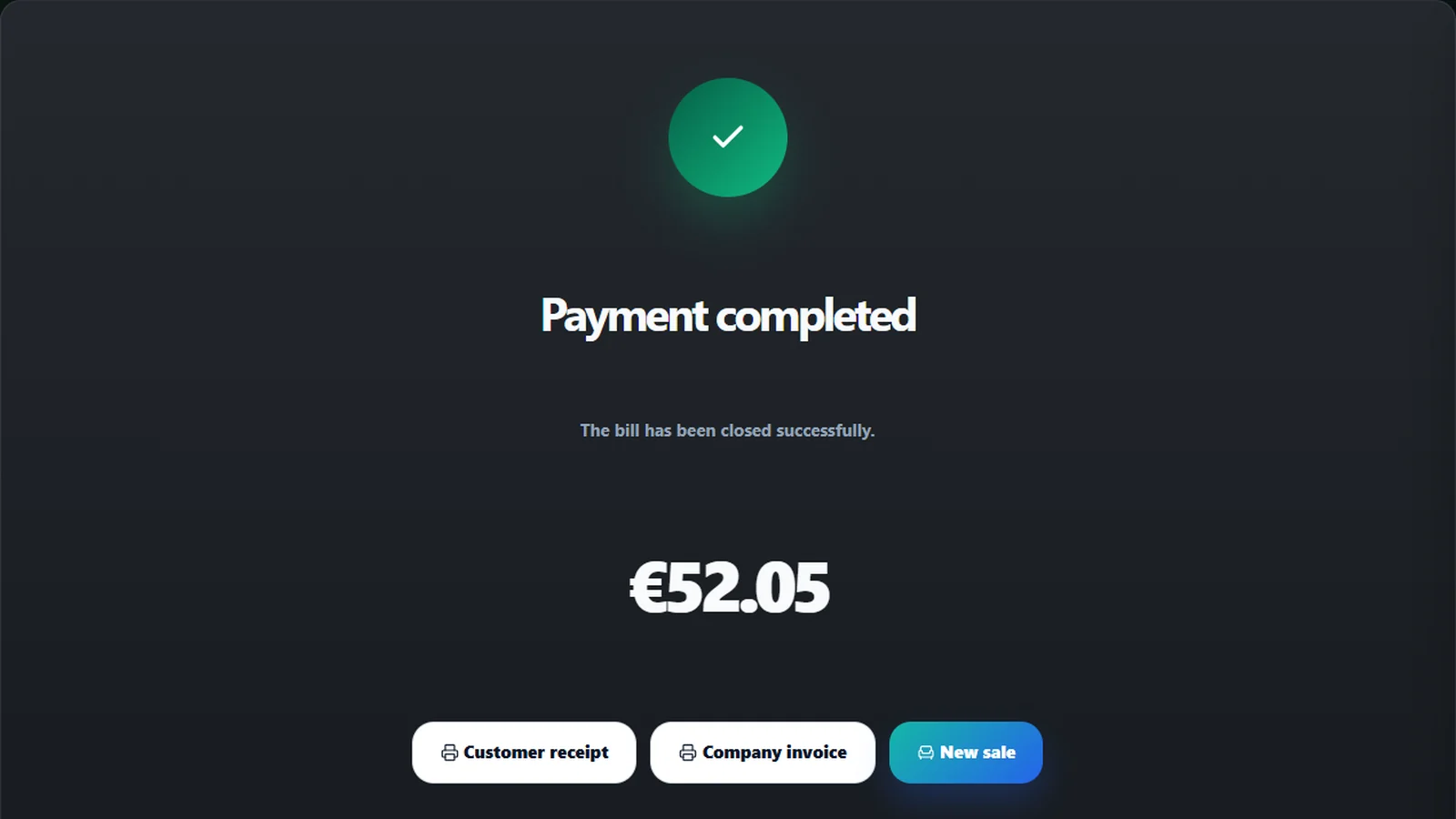 Real MZPoS screen (captured in English)
MZ Platter House
Your whole restaurant. One connected system.
Tables, orders, kitchen, till and much more, connected with MZPoS.
MZ Platter House
Shall we try it with your menu?
One order, one system, from the door to the receipt.
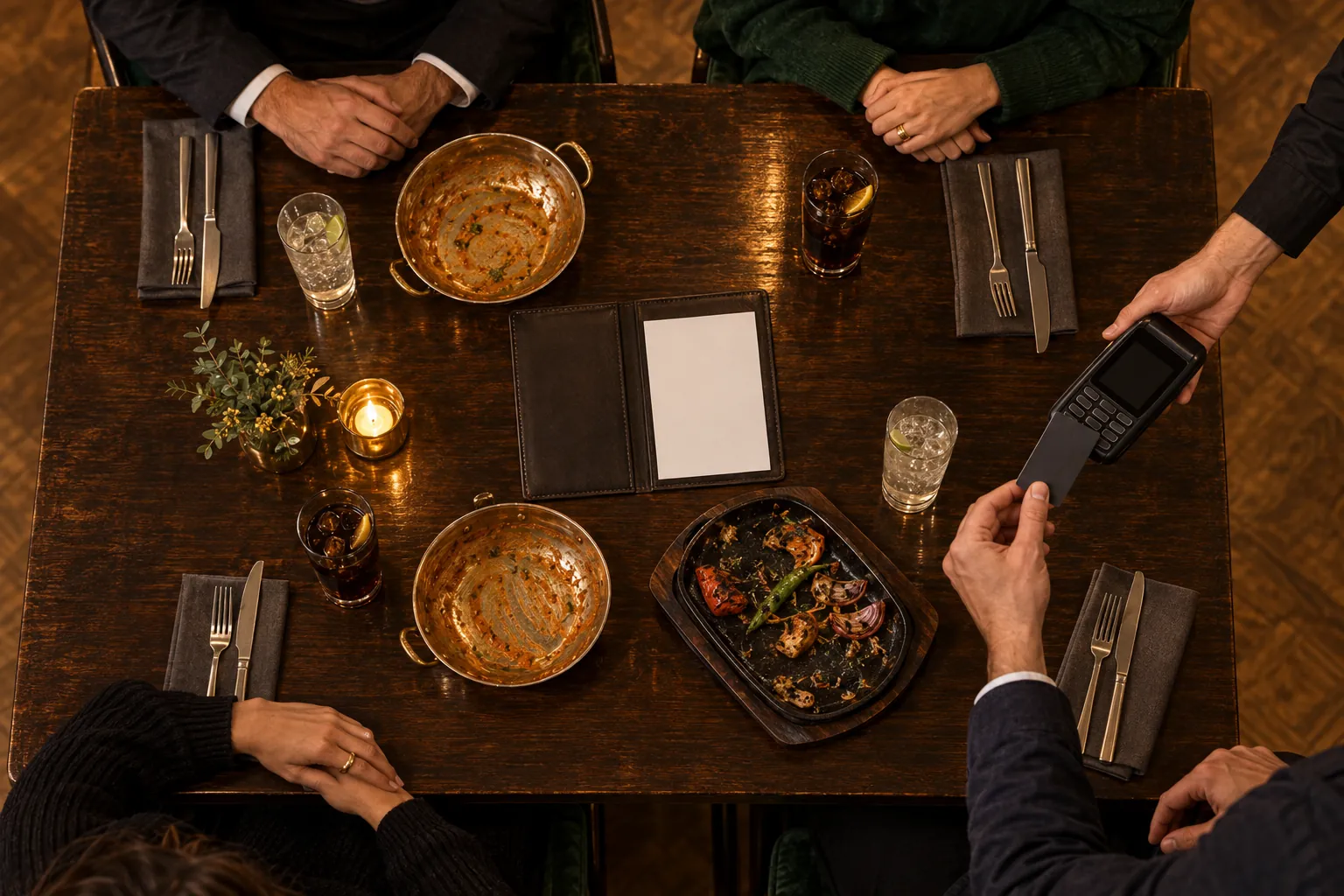
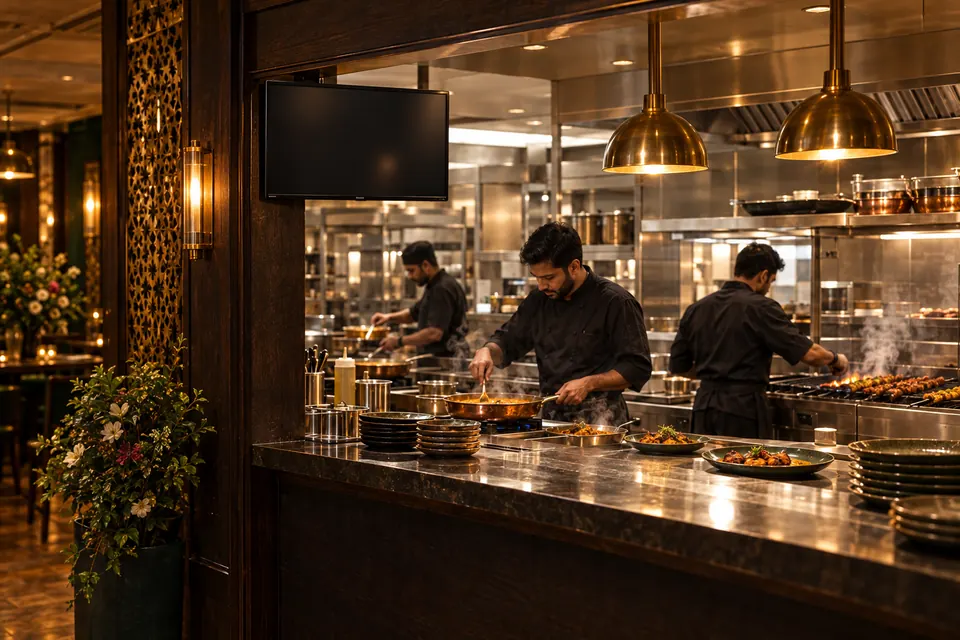
Illustrative scene: not a photograph of the venue or its team. The screens are real MZPoS captures. Nothing you see creates orders, payments or prints.Illustrative scene. Real MZPoS screens. Nothing here creates orders, payments or prints.
The demonstration, step by step
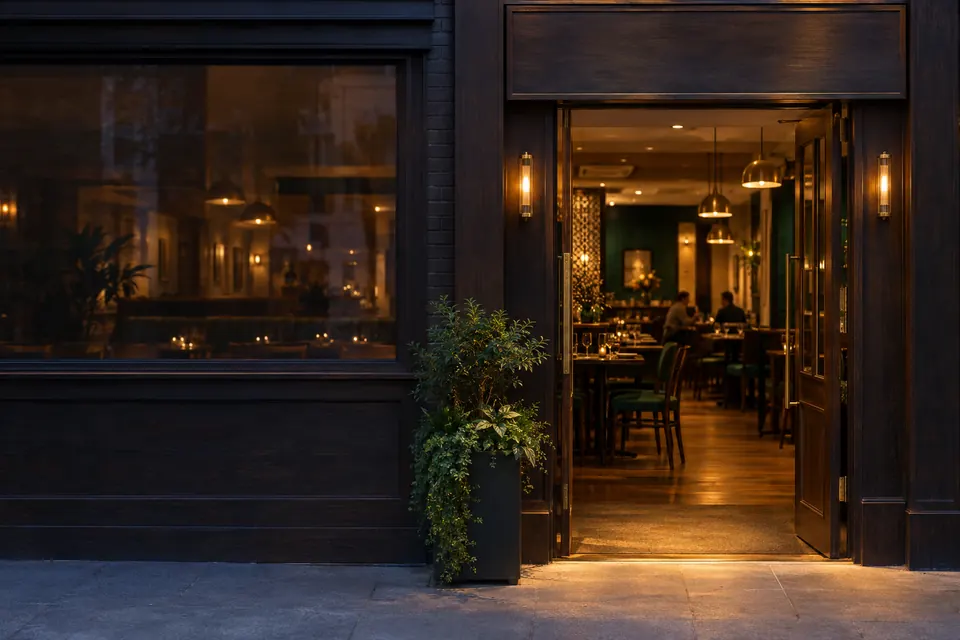
We step into MZ Platter House.
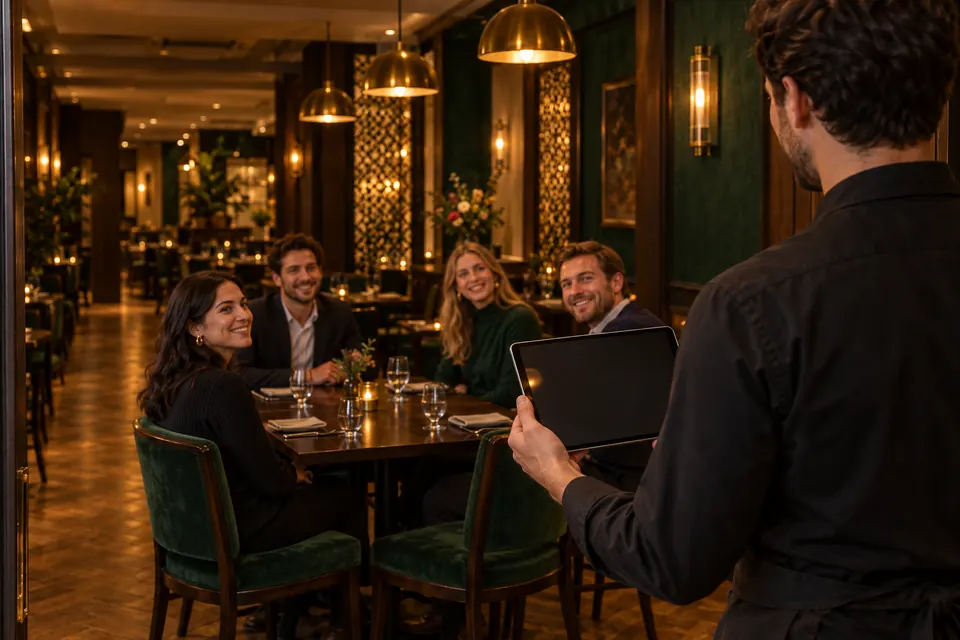
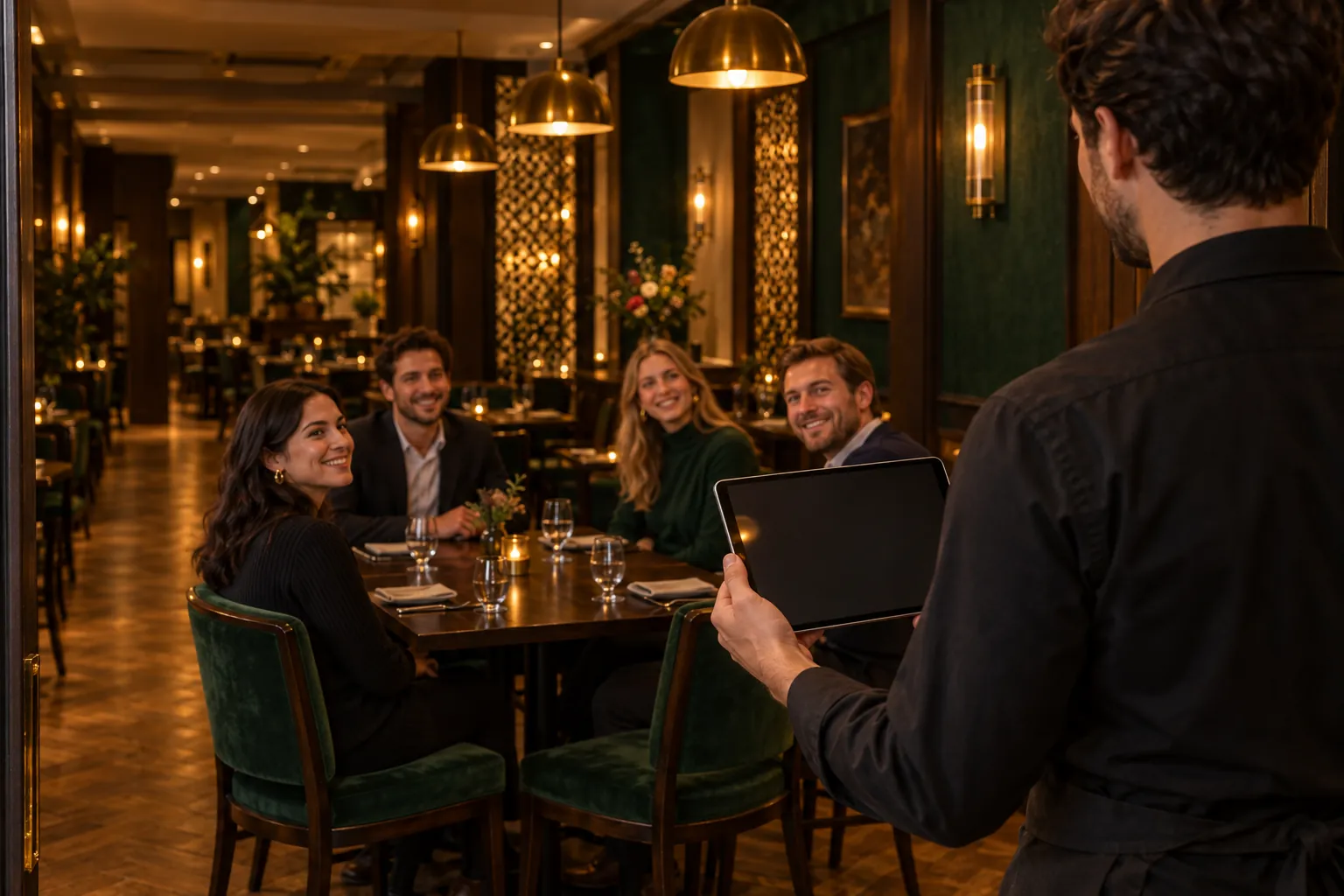
Table 2: four diners and the waiter with his tablet.
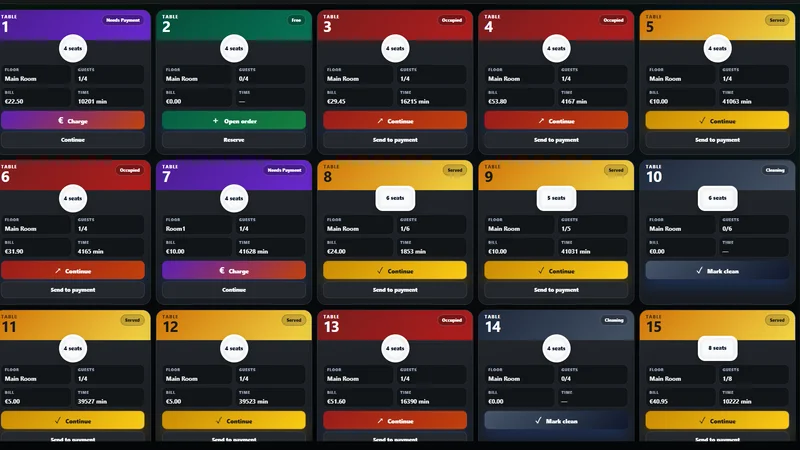
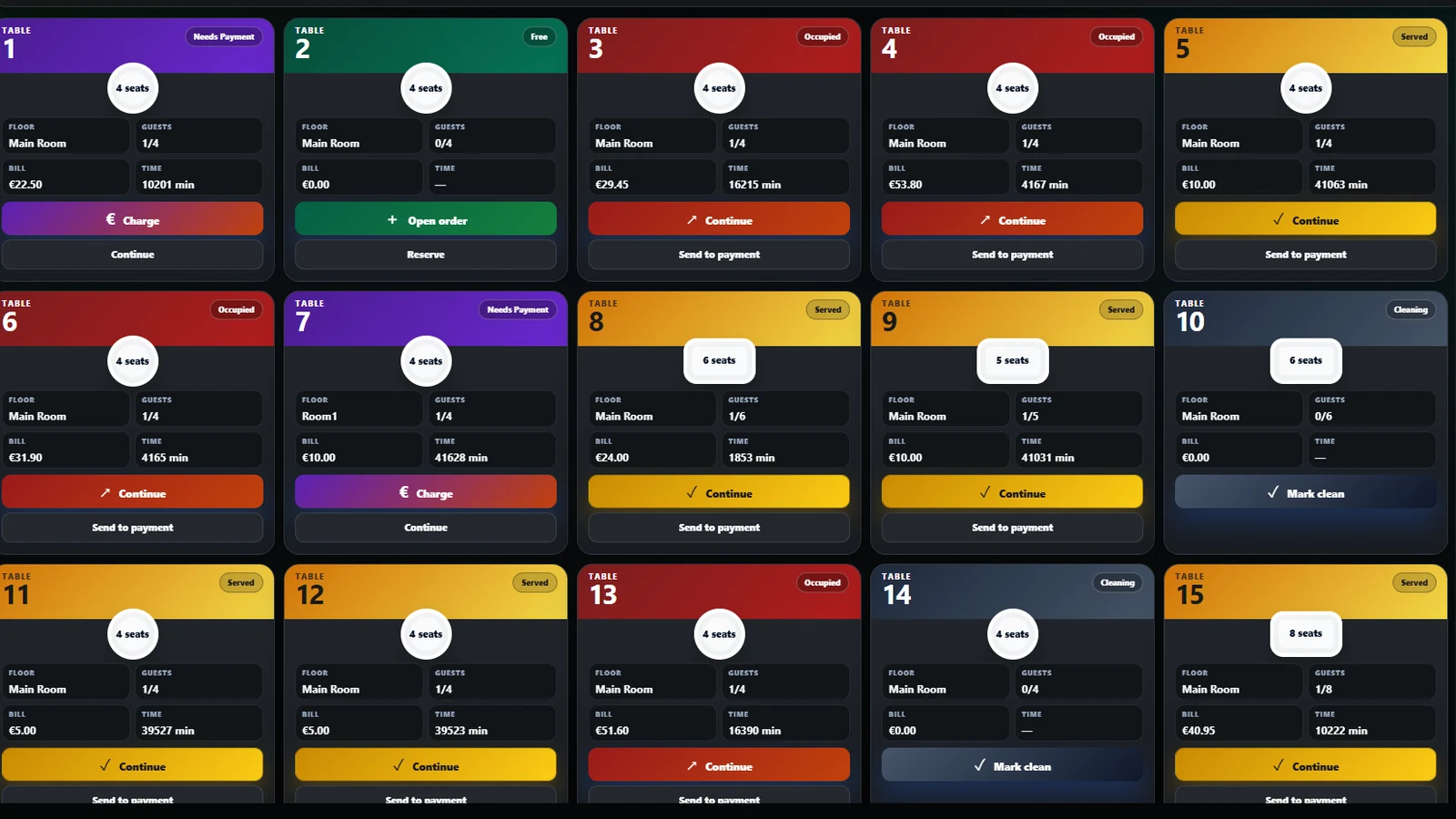
Table 2 is free: the waiter opens the order.
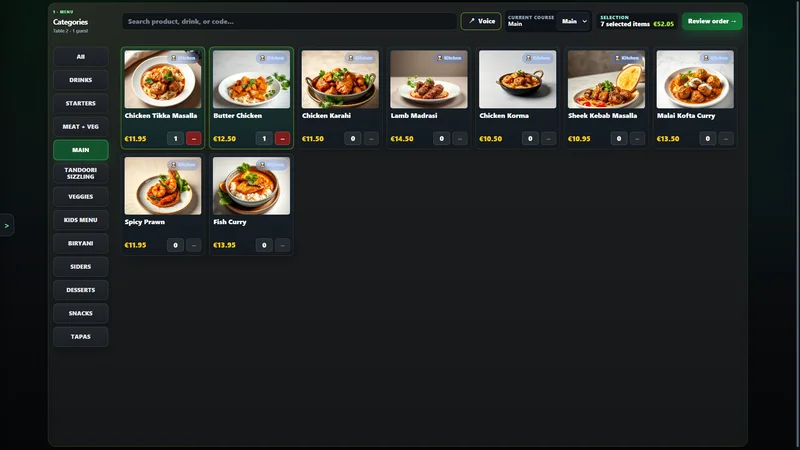
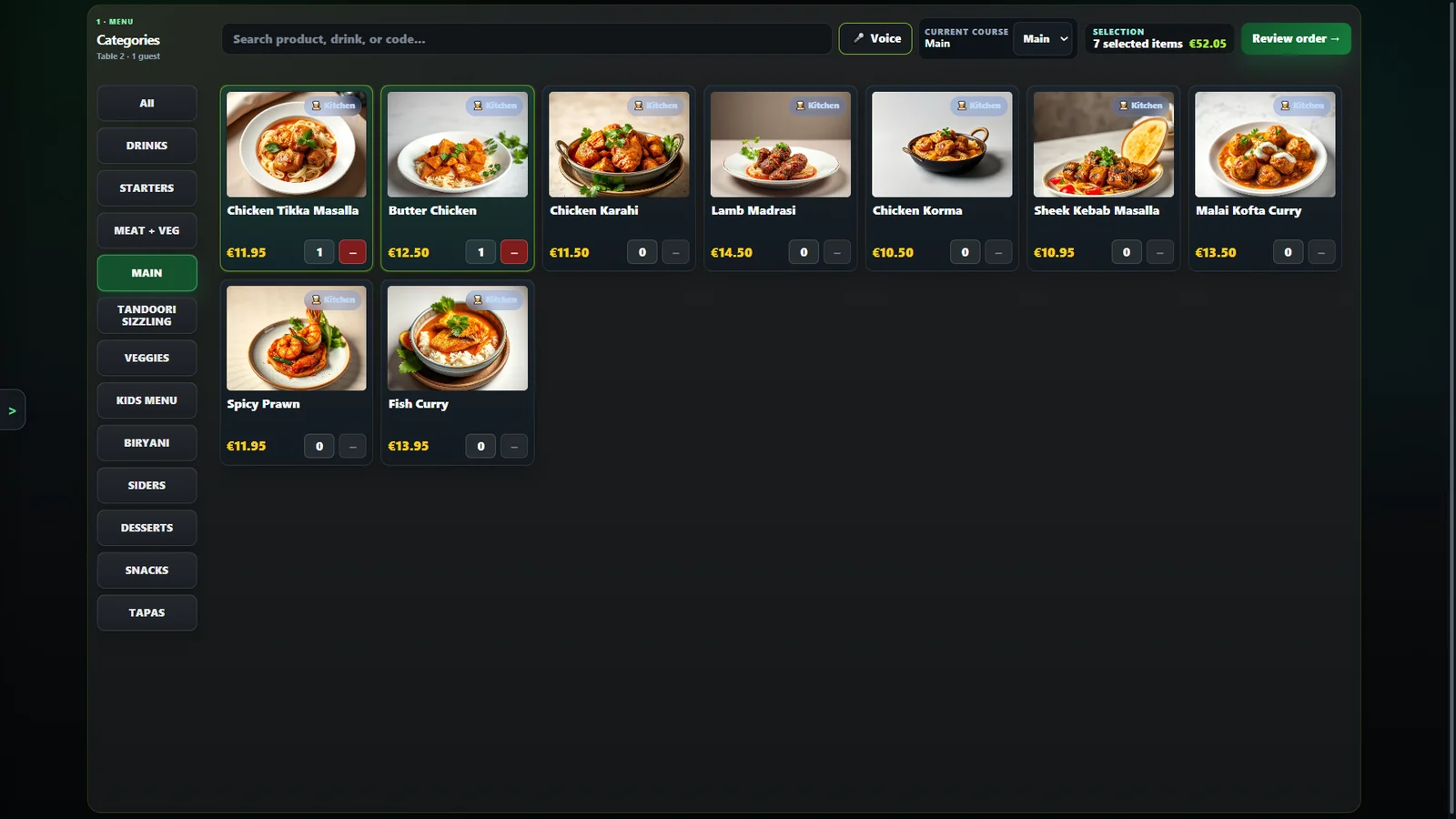
On the menu, the order: 7 units, €52.05.
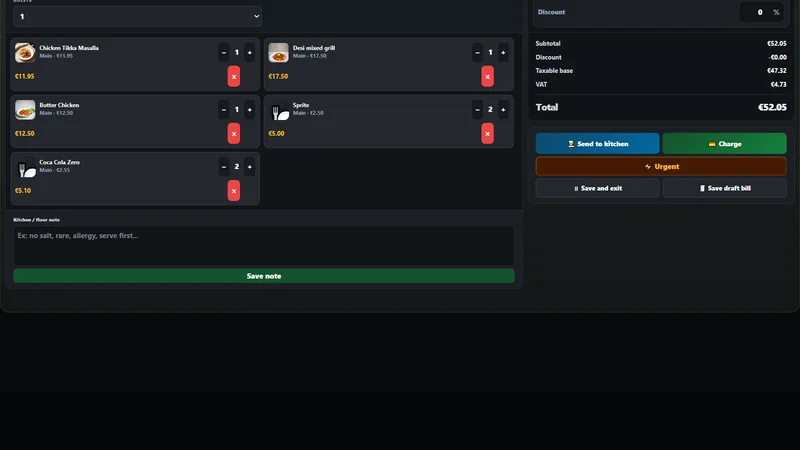
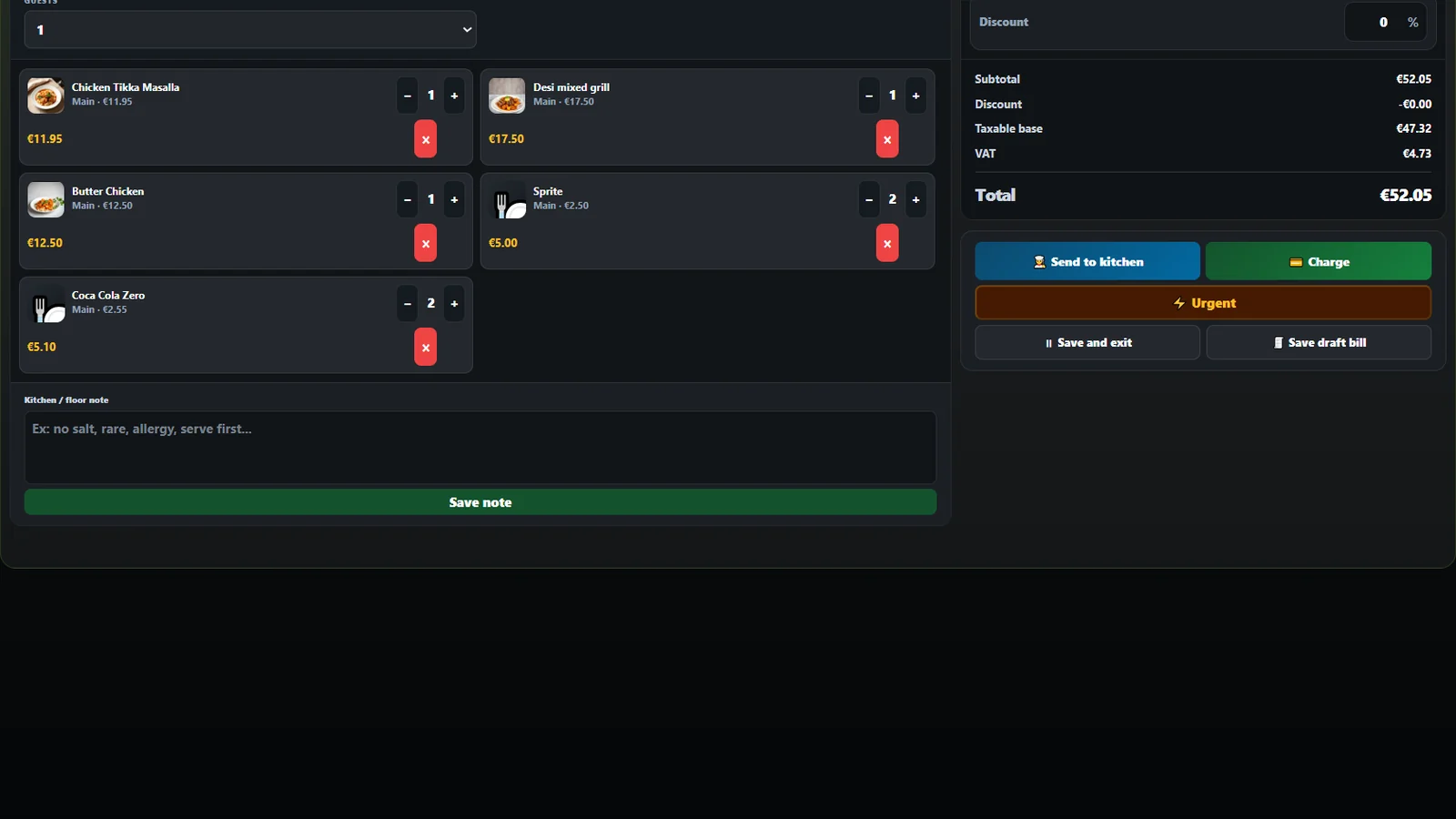
He reviews the bill and sends it to the kitchen.
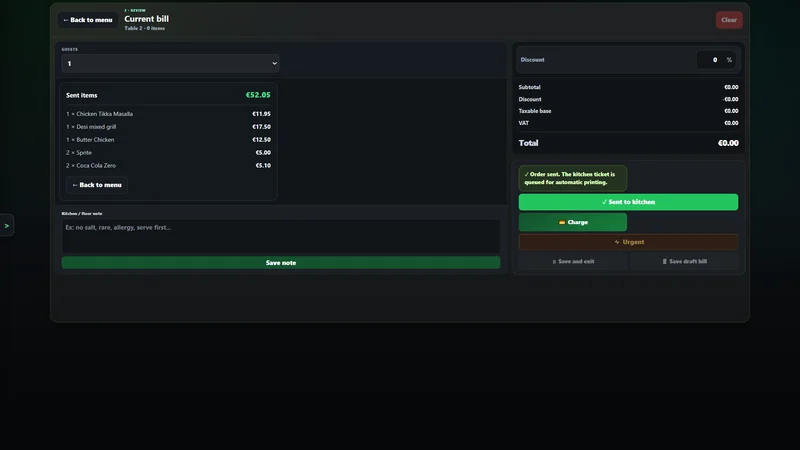
Sent. The kitchen ticket is queued to print by itself. (The €0.00 is the new selection, not the bill.)
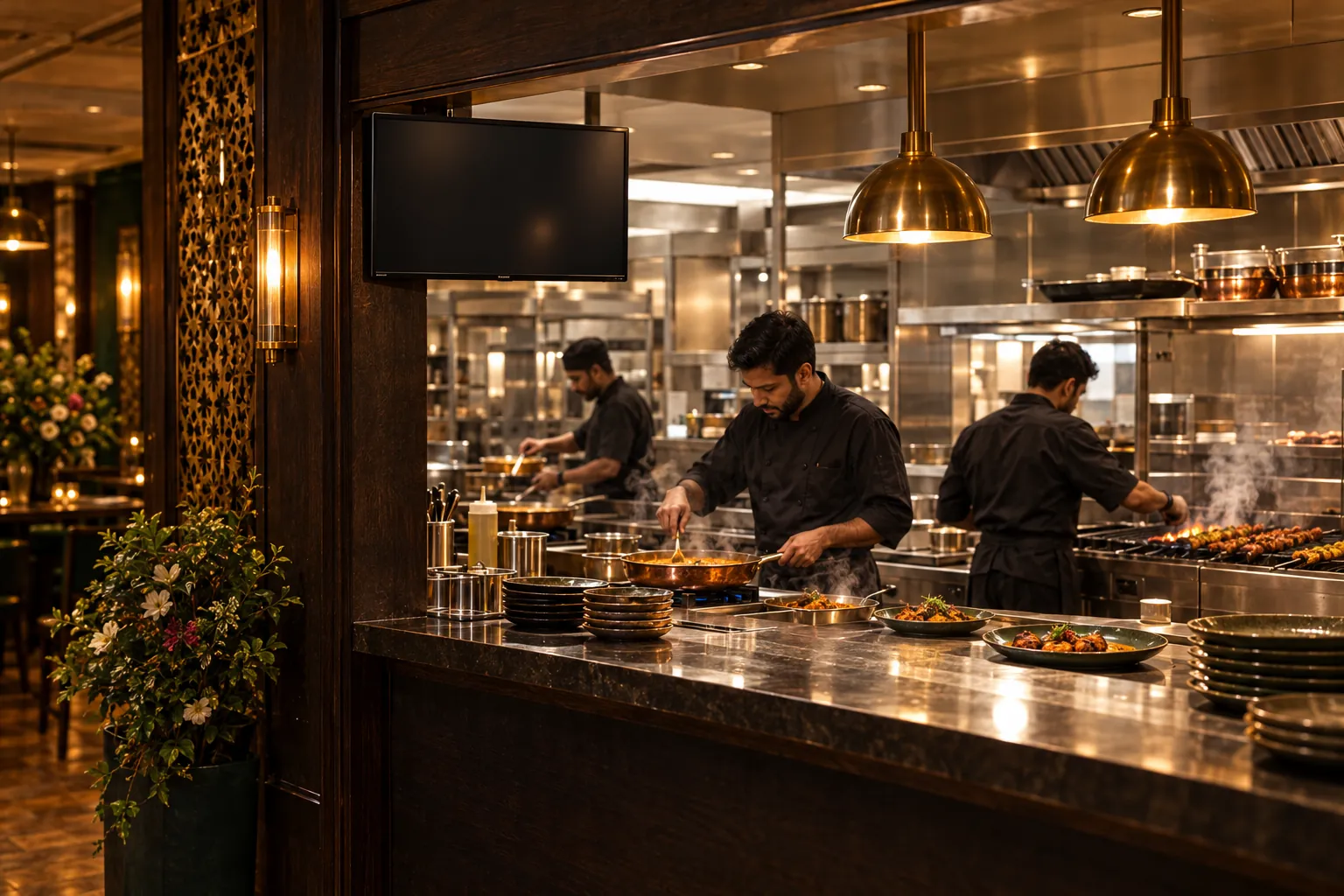
In the kitchen, the ticket appears on the screen.
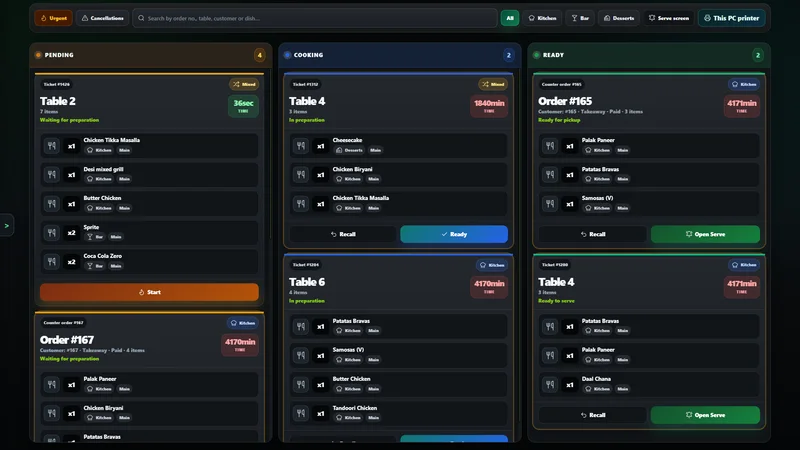
Table 2, ticket #1426: pending. Food goes to the kitchen; drinks to the bar.
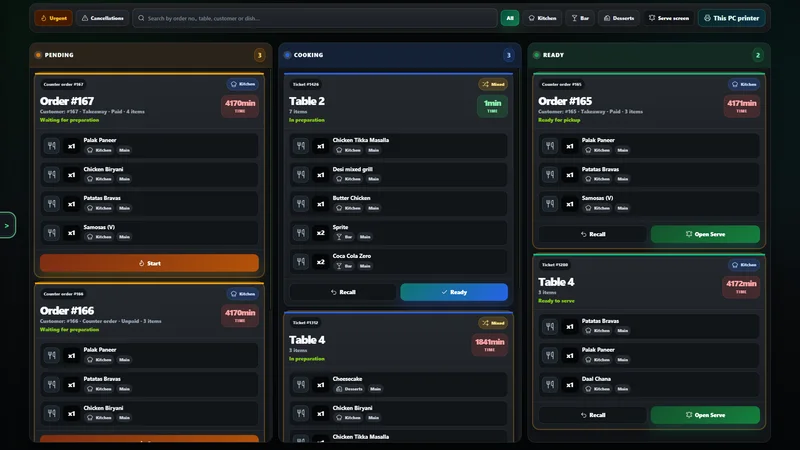
Cooking. When it is done, it is marked Ready.

The same dishes, for the same four diners.
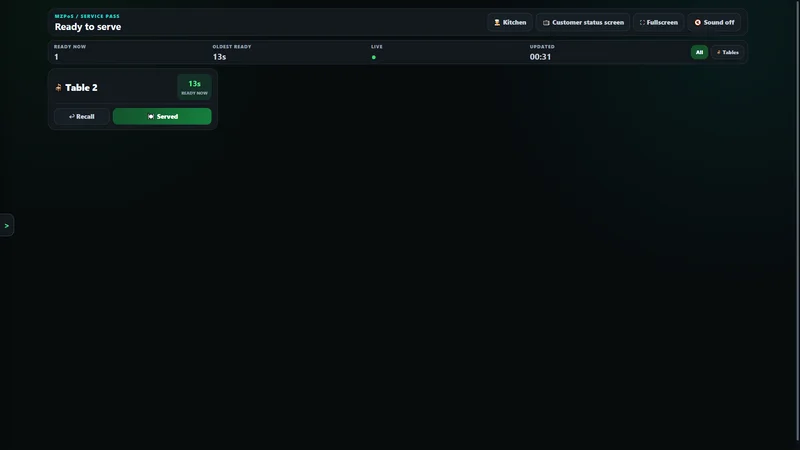
Table 2 is marked as served.
The bill reaches the table: €52.05, before payment.
MZ Platter House
Bill (before payment) · Table 2
- 1 × Chicken Tikka Masalla€11.95
- 1 × Desi mixed grill€17.50
- 1 × Butter Chicken€12.50
- 2 × Sprite€5.00
- 2 × Coca Cola Zero€5.10
- Taxable base
- €47.32
- VAT
- €4.73
- Total
- €52.05
Illustrative example. Not an invoice.
- Example
Card reader
Amount€52.05
Approved€52.05
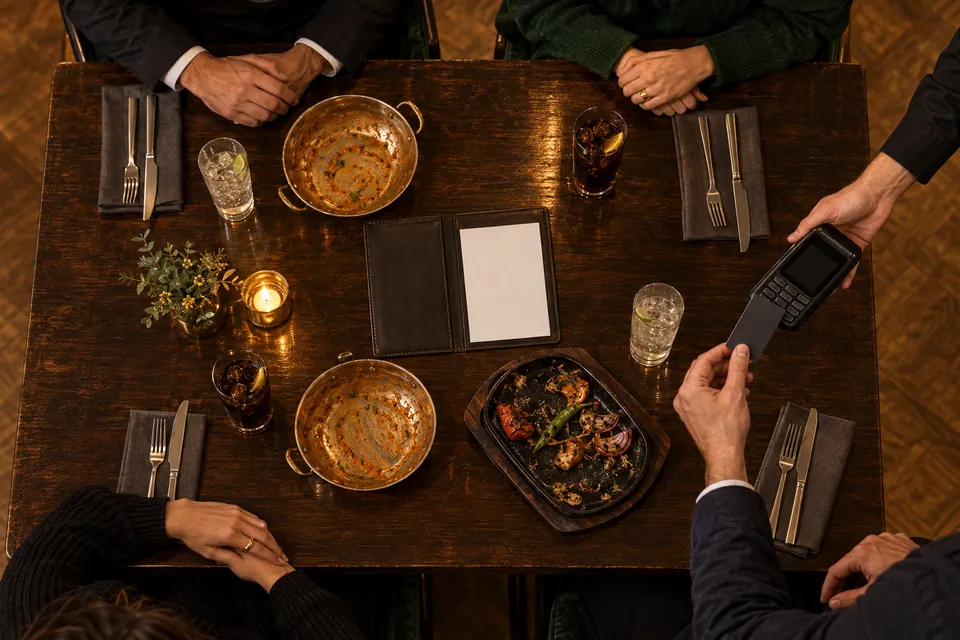
They pay by card on a standalone card reader.
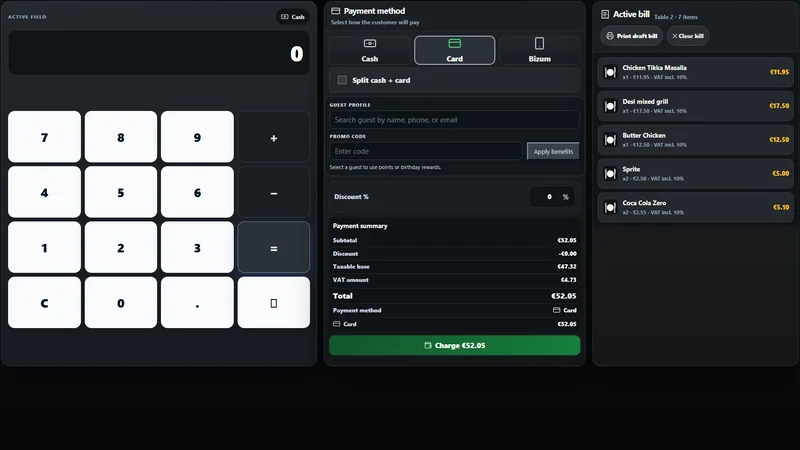
At the till, that same card payment is recorded: nobody is charged twice.
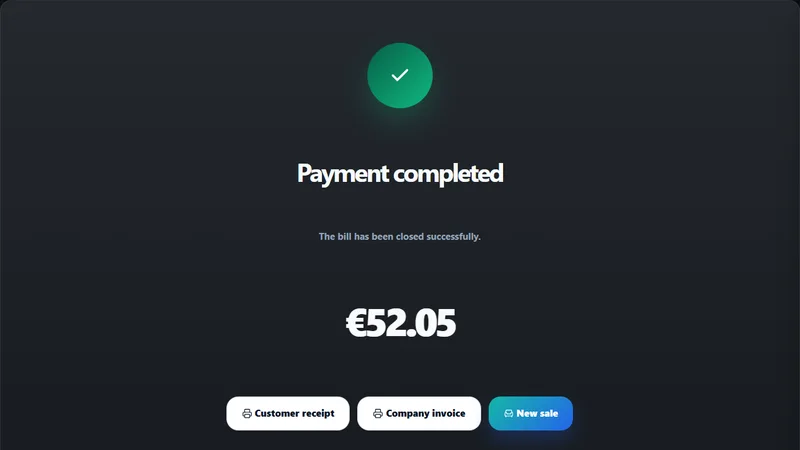
Payment completed: €52.05.
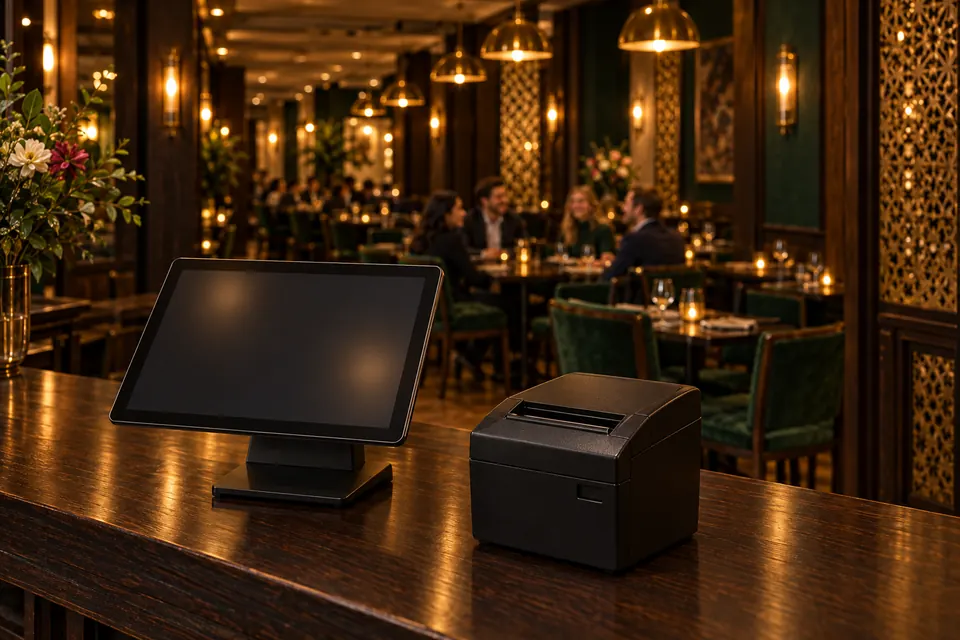
And the receipt comes out of the printer.
MZ Platter House
DEMO – NOT A FISCAL RECEIPT
Example receipt · Table 2
- 1 × Chicken Tikka Masalla€11.95
- 1 × Desi mixed grill€17.50
- 1 × Butter Chicken€12.50
- 2 × Sprite€5.00
- 2 × Coca Cola Zero€5.10
- Taxable base
- €47.32
- VAT
- €4.73
- Total
- €52.05
Card€52.05
VERI*FACTU
 Demonstration QR: not a tax QR and it does not verify at the AEAT.
DEMO – NOT A FISCAL RECEIPT
Thank you for your visit
- Restaurants
- Takeaways
- Pizzerias
- Burger shops
- Cafés
- Food trucks
- Bars
- Bakeries
Beyond the till
Everything that moves your business.
Choose a part of your day. See what MZPoS brings together.
Take orders everywhere
Counter, tables, QR, your online shop and a phone. One system.
A guest scans your QR code, sees a photo of every dish and orders. It lands on the till with a 5-minute countdown to accept it.
See what is included
- A fast counter till for takeaway, a floor plan and a waiter app (Comanda).
- QR table ordering with dish photos, and paying the bill by card from the phone.
- Your own branded online shop: collection or delivery, now or scheduled.
- Accept or reject each order with a countdown and a ready-time window; it prints on accept.
- Pause online orders for 1 minute to 24 hours, or schedule closures and holidays with their reason.
- A takeaway or food truck can run on a phone alone, even printing receipts through Android's print service.
Bookings and deposits
Online bookings, with a deposit when you want one.
From your own page, the guest picks an area, a time and the party size. MZPoS holds the smallest free table automatically.
See what is included
- The guest follows their booking on a live page, with confirmation emails.
- Guests can pre-order their food with the booking.
- A waitlist and a guest list.
- Deposits on your rules: per person or per booking, from what party size, which days, and what is refunded on cancellation.
- The guest pays the deposit by card when booking.
Know your numbers
You know which dish makes you money.
Profit by dish: which are stars, workhorses, hidden gems or weak. And every morning, yesterday's figures in your inbox.
See what is included
- Sales, real profit, sales by channel, and accounting.
- Food cost per dish from recipes and inventory.
- A daily email with yesterday's figures.
- Alerts when something is quietly going wrong: online orders waiting, printers failing, the shop paused, stations offline or fiscal problems.
- A login for your accountant, and several businesses under one owner.
Your menu
MZPoS AI
Your menu, written and translated into 10 more languages.
MZPoS AI writes dish names and descriptions, translates the menu, suggests allergens your staff confirm, and creates professional dish photos.
See what is included
- Dish names, English names and descriptions.
- Menu translation into 10 languages besides Spanish.
- Allergen suggestions: the AI proposes, your staff confirm. Nothing changes by itself.
- Professional photos of your dishes.
- A summary of what customers wrote: themes, each with a suggestion.
- A monthly AI allowance is included.
Legal peace of mind
Ready for VERI*FACTU from the first receipt.
Every receipt carries its QR code and is sent to the Spanish tax agency (AEAT) automatically. No separate program, no copying figures by hand.
See what is included
- A QR code on every receipt and automatic AEAT submission.
- Certificate handling and the producer's declaration (declaración responsable).
- Company invoices, and refunds with the correct corrective invoice.
- A receipt layout editor with live preview for 58 and 80 mm paper: receipts, pre-bills and kitchen tickets.
Some features depend on the plan and on the kind of business. What each plan includes is in the pricing comparison.
Even when the internet drops
Service continues. So does your system.
The Windows app connects tablets and printers through the Hub and your own Wi-Fi.
Visual simulation. It does not change your devices’ connection.The local network stays connected
Requires a configured Hub, a powered-on computer and an active local network. Features needing external services wait for connectivity.
Pricing
Straightforward plans
Choose monthly payment or a one-time software licence. Compare the scope of each plan.
CompareOne system, not five subscriptions.
How MZPoS compares with the kinds of tools a restaurant usually uses.
| Compare | MZPoS | Marketplace apps | Online-ordering and integration tools |
|---|---|---|---|
| Commission on orders from your own online shop | None: you pay your plan | Usually a percentage of every order | Depends: fees per order, per site or per connection |
| VERI*FACTU receipts from the same system | Yes, with QR and AEAT submission | No: you need your own till | Usually through a separate till |
| Till, kitchen, bookings, card payments and AI in one | Yes, one system | Orders and delivery only | Part of it, by connecting other tools |
| Your brand and your own ordering page | Yes | Inside the platform's app | Usually yes |
| Customers who join your campaigns, with consent | Yes, with a consent tick box | Limited | Depends on the tool |
Version 1.15.3
MZPoS for the counter computer
The counter computer runs a Windows app. It drives the receipt and kitchen printers, keeps the till working when the internet drops, and serves MZPoS to the waiters' tablets over your own Wi-Fi.
Free with every plan. It updates from inside the app when you choose, never mid-service. Tablets and phones need no download.Do you take a commission on online orders?
There is no marketplace commission: orders from your own online shop do not pay MZPoS a percentage, you pay your plan. If the customer pays by card through MZPay, that payment carries its own per-payment fee, like any card payment.
Is MZPoS ready for VERI*FACTU?
Yes. Every receipt carries its QR code and is sent to the AEAT automatically, with certificate handling, the producer's declaration, company invoices and corrective invoices for refunds. VERI*FACTU is available with an active MZPoS Fiscal & Cloud service.
What kind of business is it for?
Full-service restaurants, takeaways, pizzerias, burger shops, cafés, bars, bakeries and food trucks in Spain. The screens adapt to the kind of business you choose.
What happens if the internet goes down?
MZPoS keeps working in offline mode and catches up when the connection is back.
What equipment do I need?
A tablet, a computer, or even just a phone. For the counter computer there is a Windows app that drives the receipt and kitchen printers. A card reader, a kitchen screen and a customer display are optional.
Can I take a deposit on bookings?
Yes. Each restaurant sets its own rules: per person or per booking, from what party size, which days, and what is refunded if the guest cancels. The guest pays the deposit by card when booking.
What does MZPoS AI do?
It writes dish names and descriptions, translates the menu into 10 languages besides Spanish, suggests allergens your staff confirm, creates dish photos, and summarises what your customers wrote. Every business has a monthly AI allowance included.
Can I change plan later?
Yes, at any time, and your data stays where it is. Moving up switches the extra tools on; moving down switches them off without deleting anything.
Now, picture it in your own place.
Your restaurant, your customers, your margin.
Choose a plan and activate your first device, or write to us and we will show you MZPoS with your own menu.